

It’s easy to feel overwhelmed as we move through another fast-paced semester. As a grad student juggling a full-time job and trying to maintain a social life, I’ve learned to lean on my favorite organizational tools — from digital and physical agendas to Notion. I dedicate Monday nights to filling out my agenda and ensuring my calendar aligns with all due dates.
If you’re feeling overwhelmed or just looking for new ways to stay on top of your assignments and time, here are some tips to help you stay organized and maximize productivity.
Digital Calendar
A digital calendar can truly be a game-changer. I recommend adding everything you want to accomplish right onto your calendar. Don’t forget to set reminders, so you get advance notifications.
As someone juggling multiple roles, I’ve found that the best way to stay organized is by creating separate sub-calendars and color-coding them. These keep everything neat and visually clear — plus, it’s satisfying to see your week laid out all in one spread.

How to Create a New Calendar on Google Calendar
- Click on the gear icon (Settings menu).
- Select Settings.
- On the left-hand side, click Add Calendar, then choose Create New Calendar.
- Give your calendar a name and save it.
How to Color-Code Your Calendar
- Find your new calendar under “My Calendars.”
- Hover over the calendar name until you see three dots to the right.
- Click the dots for a dropdown menu — you can pick from preset colors or hit the plus (+) to create a custom one.
You can also share your calendar link with friends, so making plans is easier for everyone involved.
Tip: If you can’t complete a task on the day it was scheduled, simply move it to another day instead of deleting it. I’ve learned that if I move something around more than twice, it eventually gets done — mostly because I don’t want to keep seeing it on my to-do list.
Physical Agenda
Writing everything down helps me track important dates. I never leave the house without my agenda, because I like knowing exactly what I have planned for that day. Even though I also keep a digital calendar, it feels more reliable to have it written down. Imagine your phone dying in the middle of the day, and that’s the only place your assignments and events are written down. Stressful, right? A physical agenda can make you feel more secure. Plus, crossing things off is such a motivator — it continues to encourage you to achieve more.
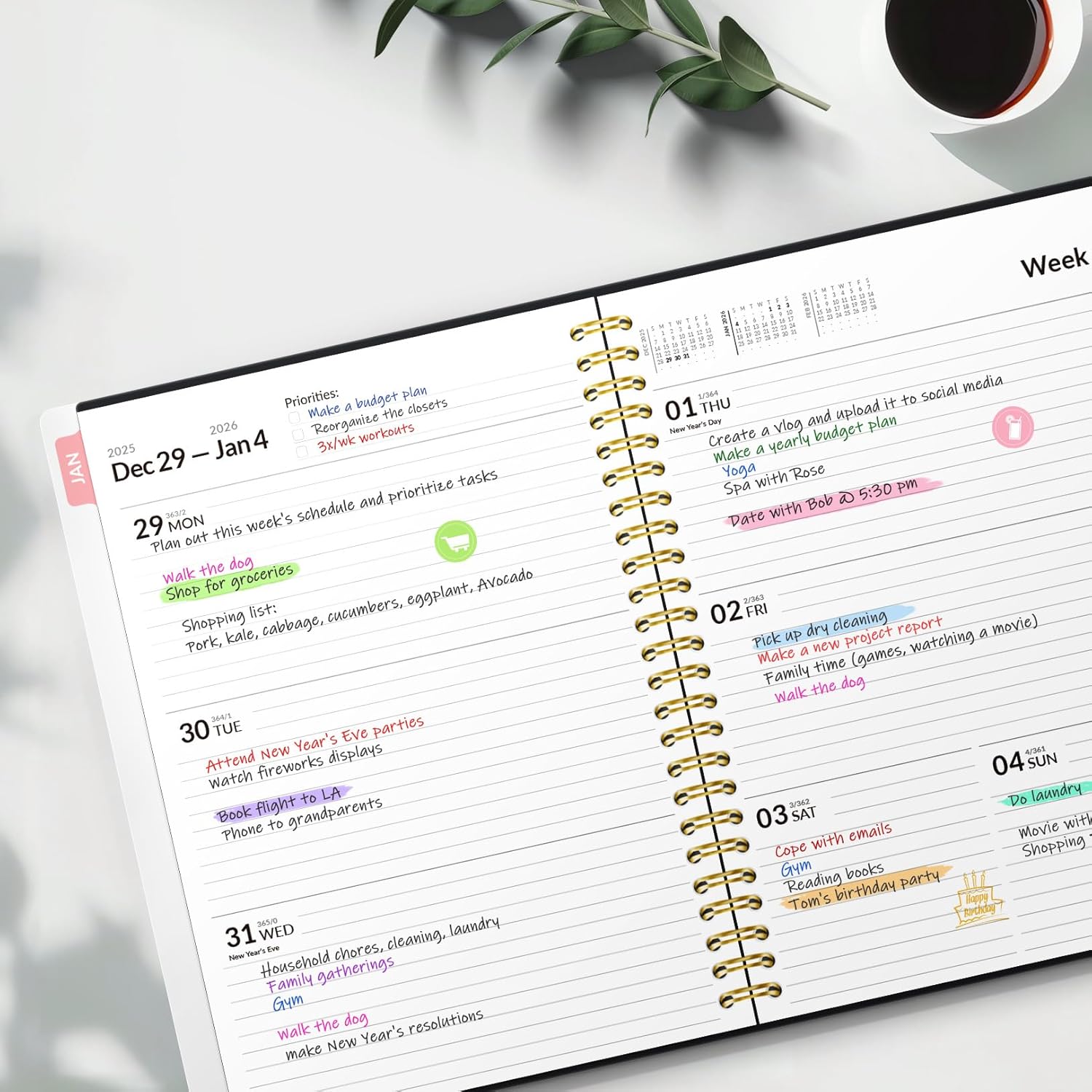
Tip: Use colored pens and assign each class its own color. It makes your agenda more fun to look at and so much easier to read – especially when you’re in a rush. I recommend buying an agenda from Amazon – they’re cost-effective and of great quality.
Notion
Think of Notion as your all-in-one virtual to-do list, a digital space where you can organize every part of your life. It helps me stay organized by keeping my assignments, projects, and even personal goals all in one place.
I first learned about Notion from Ali Abdaal‘s YouTube channel. After watching vlogs from Abdaal, I was able to fully learn how to set-up my Notion account and become comfortable with it.
Think of it as your all-in-one virtual to-do list, a digital space where you can organize every part of your life.
Tip: If you’re new to Notion, start with a simple daily to-do list or assignment tracker. Then build from there as you get comfortable. It’s one of those tools that grows with you.
Find a study spot
Sometimes, a change of scenery can help you focus and check things off your to-do list. Google “coffee shops near me” and explore a new spot in your area — you’ll get to enjoy some delicious coffee and be productive.

These are my favorite tools, and I hope they help you as much as they help me. The COMmunicator believes in you. Now, let’s conquer this semester together.
Have got some tips and tricks that help you manage time well? Share them with us in the comments section below.



Leave a Reply